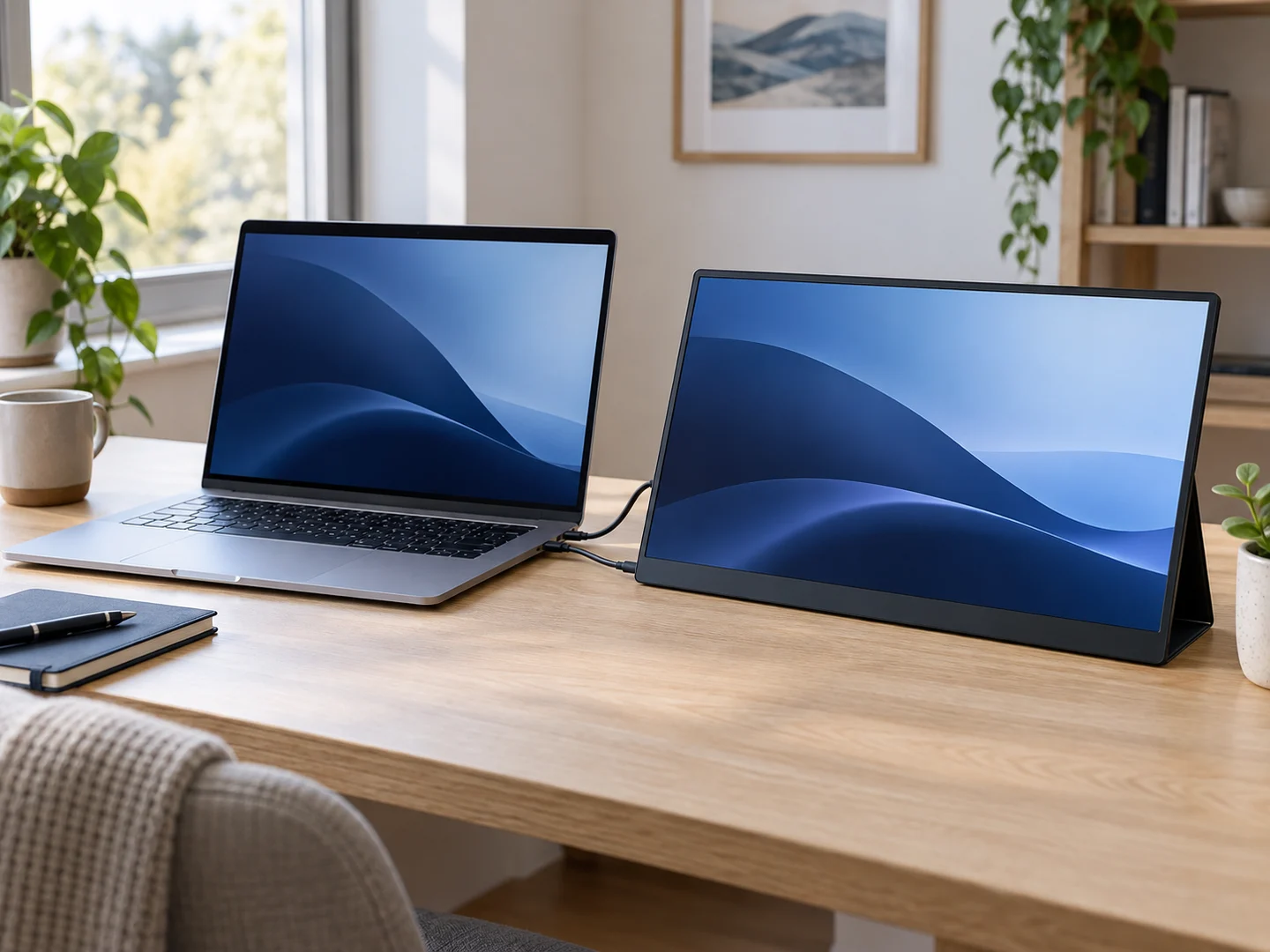
First published in 2020, this guide has been rewritten around purchase checks rather than the old product ranking. The earlier prices, ratings and availability are not current buying advice. The cover is an illustration, not a tested product.
Start with your actual setup
List the laptop model, operating system, ports and any dock you use. Decide whether you need a reference document beside a call, a spreadsheet beside an editor, or a screen to share with a colleague. Test those tasks at a comfortable text size before choosing a larger or higher-resolution panel.
Check the complete video connection
A USB-C connector alone does not establish video compatibility. Dell documents that its C1422H, P1424H and P1425 portable monitors need a suitable video-capable connection, such as DisplayPort Alt Mode. Check the exact monitor, laptop port and cable together. Charging or data transfer through a port is not proof that it sends video. Follow the manufacturer’s specified connection method; adapters are not automatically interchangeable.
Separate power, portability and screen size
Check whether the monitor draws power from the laptop, requires a separate supply or has its own battery. Include the stand, cover, charger and cables when assessing travel weight and bag space. Try the stand on a small table and check stability, glare, viewing angle and access to the laptop keyboard. A second screen is useful only if it fits your work and location.
Read the exact model number
Similar names can conceal different features. As a historical example, the ASUS MB16AC manual specifies a 15.6-inch, 1920 × 1080 panel and DisplayPort Alt Mode through USB-C; its USB 3.0 Type-A connection requires the manufacturer’s driver. These details concern that exact model, not every ZenScreen. Do not infer touch, speakers or a battery from another variant. This is a documentation example, not a current product recommendation.
Try one before equipping the team
Validate the screen with your normal applications, security restrictions, docks and operating-system version. Compare readability, connection reliability and the total delivered cost, including accessories. Confirm warranty, returns and support in your country before buying. This guide provides neither a hands-on ranking nor a measured productivity or health benefit.
Manufacturer documentation checked on 10 October 2026 : Dell — USB-C · ASUS MB16AC — PDF.