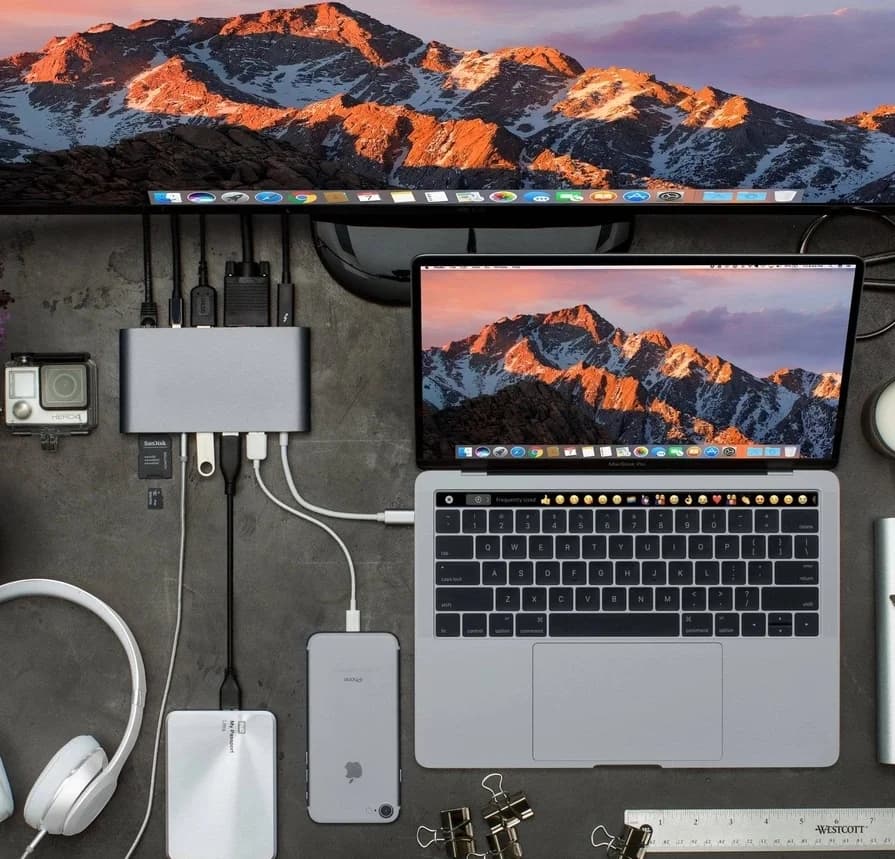
The original 2020 product selection has been replaced with a practical compatibility checklist. Old prices, warranties and FLYDESK CLUB+ discounts are not current offers. Choose equipment for your own devices and workload; this guide does not rank today’s products.
List the connections you need
Write down the required USB devices, memory cards, network connection and displays. Count the ports you need at the same time and confirm that the hub’s host connector fits your computer. A data-only USB hub is not automatically a display adapter or a laptop charger.
Verify display and data support
Check the computer’s port capabilities and the hub manufacturer’s supported operating systems, display resolutions and refresh rates. Check whether drivers are needed. USB-C describes a connector; it does not by itself guarantee a particular data rate, video output or USB Power Delivery capability.
Test the complete setup
Test the intended display, storage, network and charging connections together within the seller’s return period. Confirm the power delivered to the computer after the hub’s own needs and any shared limits. Read ventilation and operating instructions; a metal casing or warm surface alone does not prove safety or durability.
Official references
Original article photograph, retained as an illustration rather than a current product recommendation or service offer.