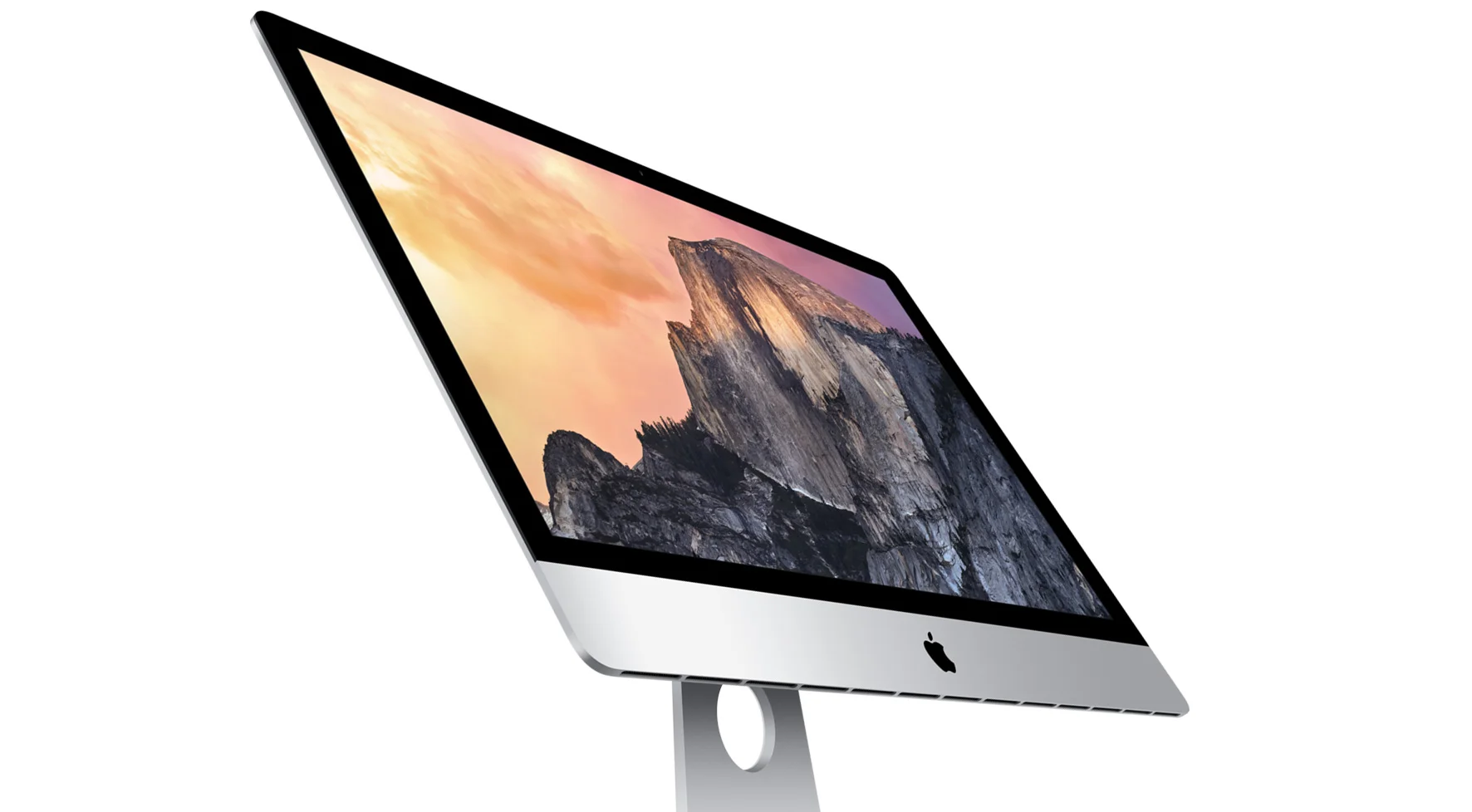
The original 2019 selection describes products from that period. The Intel MacBook Pro and iMac Pro examples are not today's newest models, and no computer suits every professional need. Start with the work, supported software, available space and a realistic budget.
Identify the exact computer and accessories
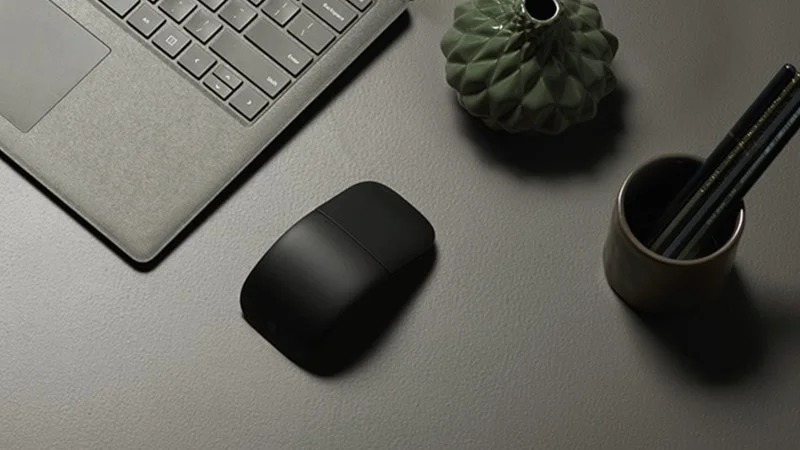
The Microsoft desktop named in the old article is Surface Studio 2, not Surface Station 2. It must not be confused with Surface Studio 2+ or Surface Laptop Studio. Check the exact generation, operating-system support and application requirements. Keyboards, docks, webcams and displays also need compatible connections; a similar name or port shape is not enough.
Make meetings and focused work practical
Test microphone, speaker and camera performance in the actual room. The old Jabra, Blue Yeti, Audioengine and webcam examples do not guarantee coverage for every room or support for every current app. Arrange cables and equipment so controls remain accessible, and choose only the functions needed for the work.
Correct the printer specification
Epson's historical WF-4630 specification lists a 250-sheet front tray plus an 80-sheet rear feed, giving 330 sheets of input capacity, and a separate 35-page automatic document feeder. The earlier 150-sheet claim was incorrect. These figures describe that model, not a current recommendation or a substitute for checking consumables, drivers and service availability.
Treat comfort as an adjustable setup
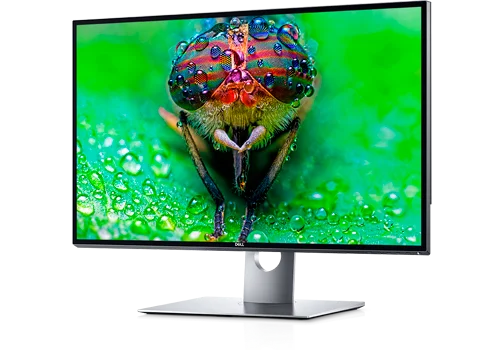
Choose screen size, readable text, glare control and adjustments around the person and task. The American Academy of Ophthalmology says screen blue light has not been shown to cause eye damage; a filter is not a medical protection guarantee. Chairs, keyboards and standing desks likewise do not guarantee prevention of pain. Allow changes of position and breaks rather than promising a perfect posture or one setup for everyone.
Check the total cost and support
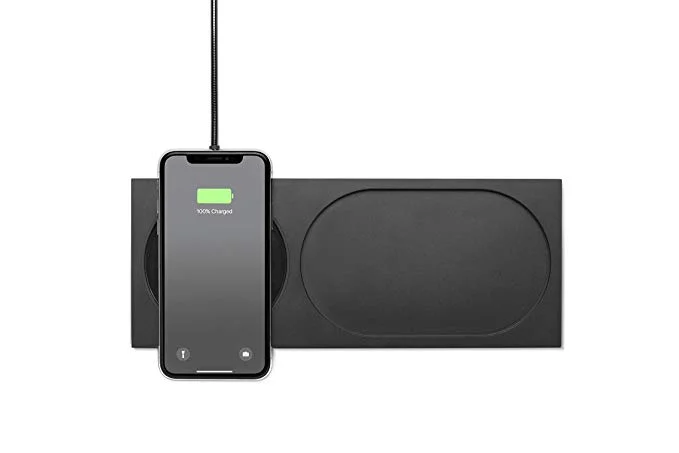
Compare current quotes, accessories, delivery, repairs, consumables and return terms. Test an existing device before replacing it solely because an old article called another model the best. A charging cable needs verified connector and power specifications; the earlier unverified magnifying-glass description is not a buying criterion. Keep the setup manageable and review what actually helps the work.
Sources checked on 2026-10-10: Microsoft — SurfaceStudio2 original fact sheet · Epson — WorkForceProWF4630 · American Academy of Ophthalmology — Blue light and digital eye strain
Original images, captions and existing translations remain historical illustrations. Their specifications and claims must be read with the corrections above.