The original 2020 article mixed cameras, speakerphones and monitors. These products illustrate different needs, but the old prices and availability are not current offers. Start with the people, room and software involved, then test the complete setup.
Separate the camera from the speakerphone
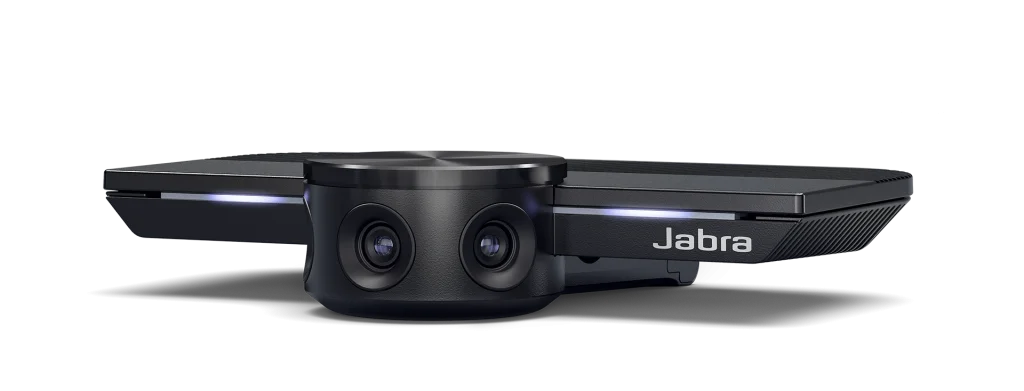
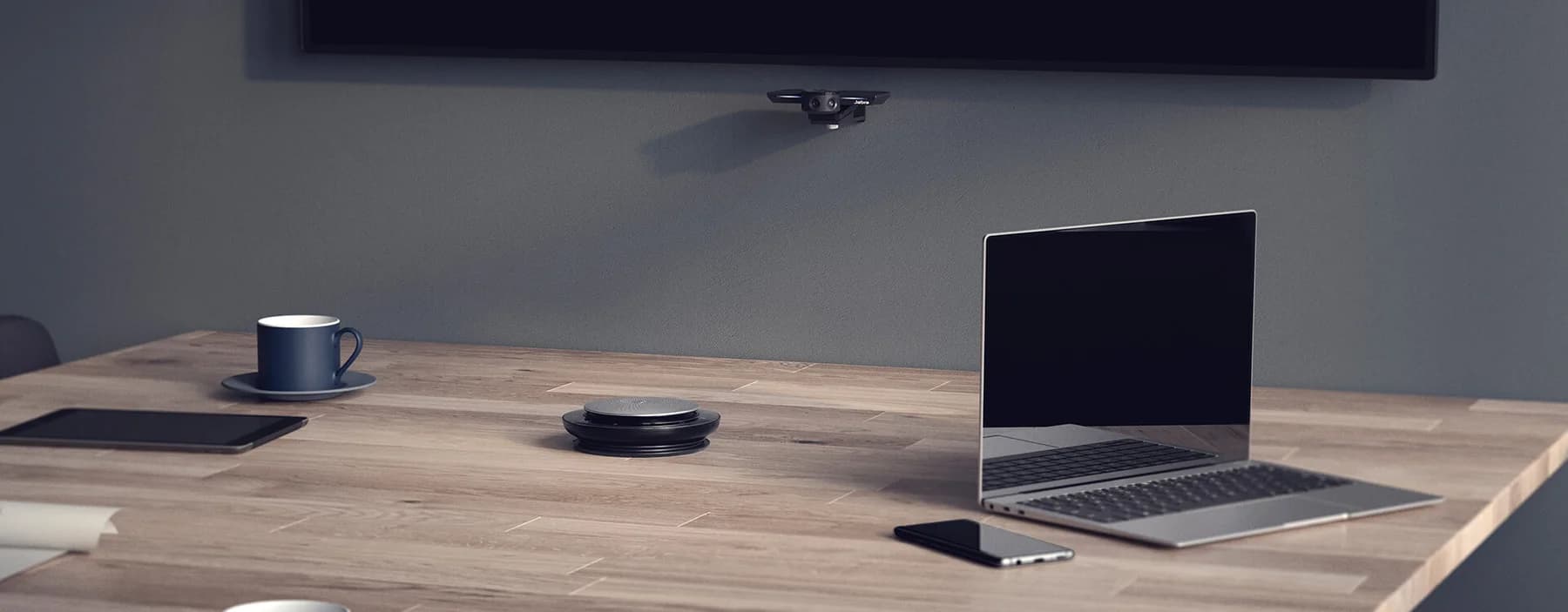
The original Jabra PanaCast is a USB-powered camera. The separate portable speakerphone is Speak 710, not Evolve 710. The advertised battery life of up to 15 hours belongs to Speak 710, not to PanaCast. Jabra's historical PanaCast specification gives a 180-degree horizontal view; that does not guarantee that every participant is clearly visible in every room.
Test sound before buying more pixels
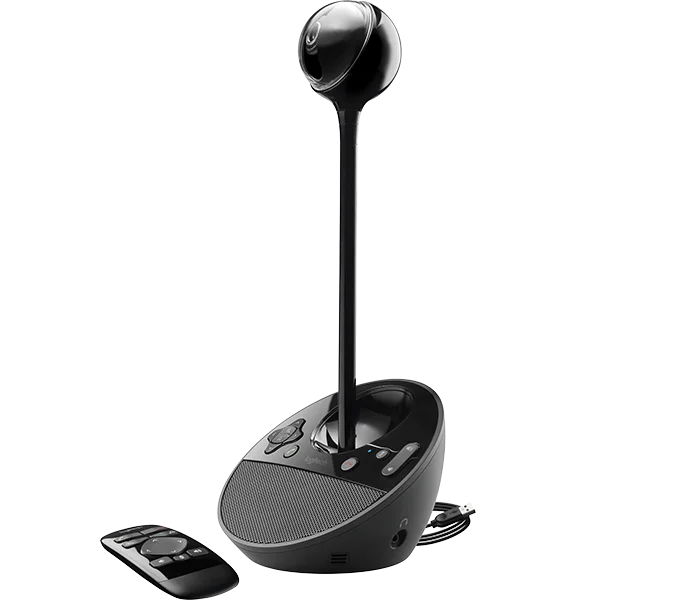
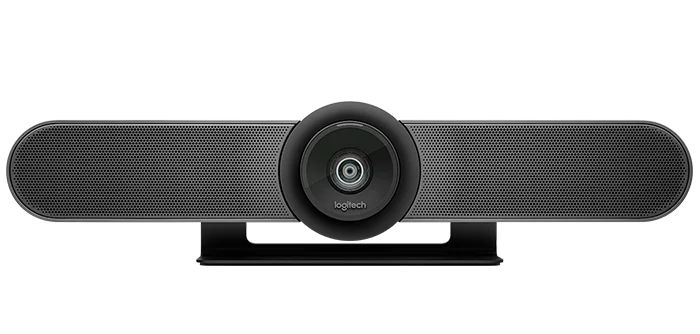
Logitech BCC950 combines a camera and speakerphone; MeetUp was another original room-oriented example. Match microphone coverage and speaker level to the actual space, and test echo, background noise and a remote listener's experience. Neither an old specification sheet nor a higher resolution proves a flawless call. Confirm current software, operating-system and connection support for the exact model.
Choose a display for the work
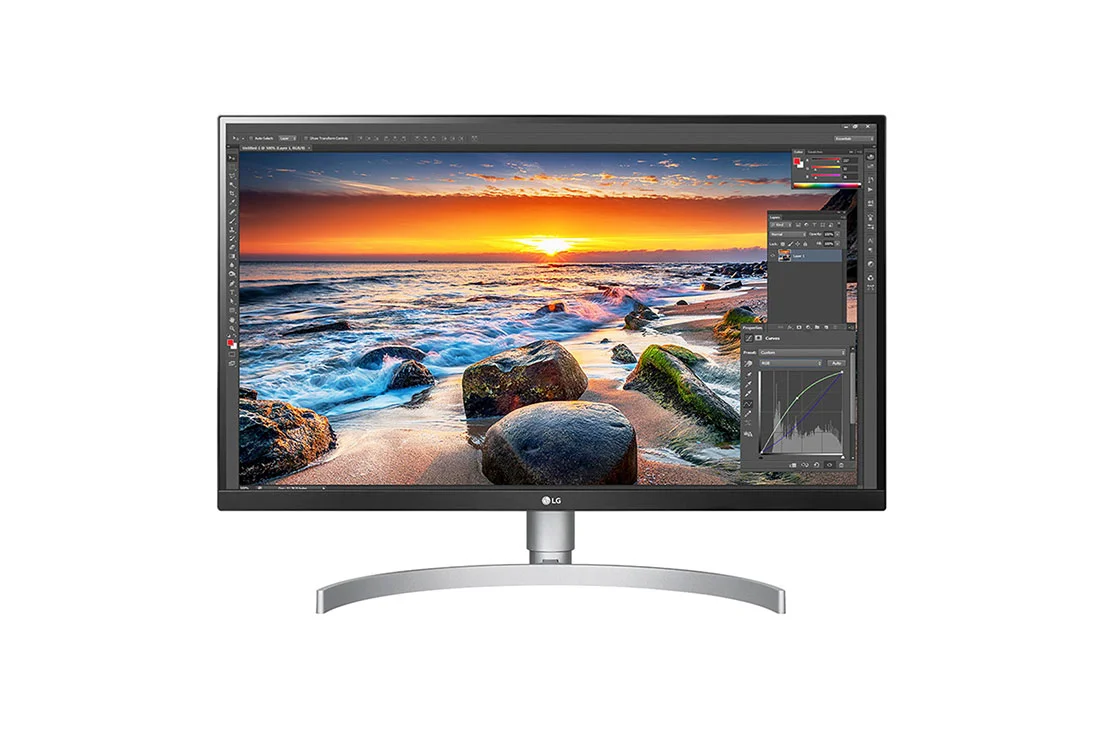
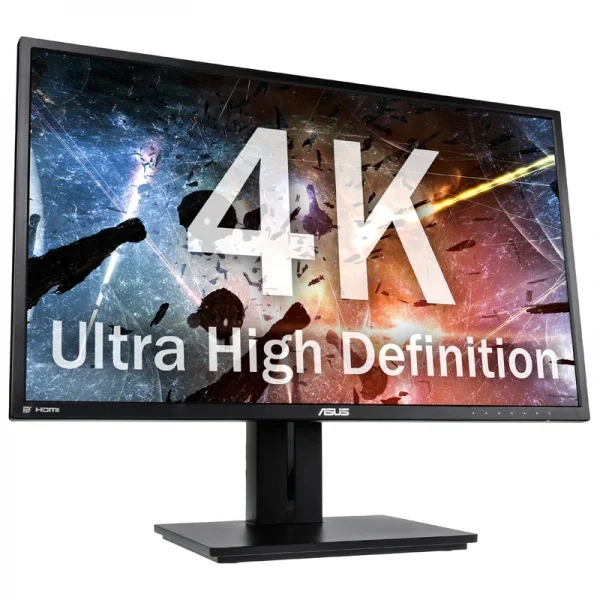
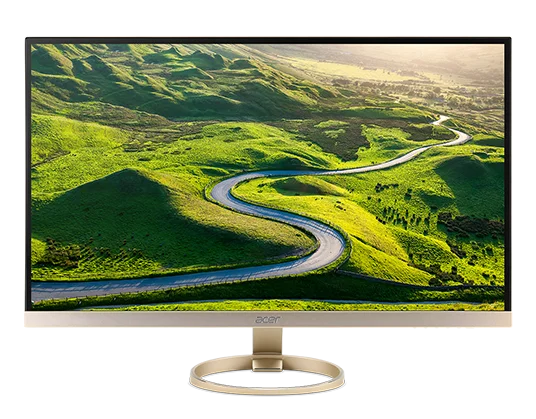
The original monitor examples were an LG 27-inch UHD model, ASUS PB27UQ and Acer H277HU. A generic size or series name does not identify every feature. Check exact model, connectors, usable text size, adjustment range and desk space. A display is not necessarily a camera, microphone or docking station; verify each required function.
Do not turn comfort features into medical promises
A low-blue-light mode is not proof that a screen prevents eye damage. The American Academy of Ophthalmology says the small amount of blue light from computer screens has not been shown to harm eyes. Consider glare, readable text, positioning and breaks rather than guaranteeing protection from a particular monitor.
Validate the whole meeting path
Check the chosen meeting app's plan limits, recording permissions and storage rather than assuming every call can be recorded automatically. Try joining, speaking, sharing a screen and reconnecting after an interruption. Obtain a current quote including mounts, cables and accessories. FLYDESK supports workplace schedules and bookings; it does not replace conferencing equipment or the meeting service.
Sources checked on 2026-10-10: Jabra — Original PanaCast technical specification · Jabra — Speak710 datasheet · Logitech — BCC950 datasheet · American Academy of Ophthalmology — Blue light and digital eye strain
Original images and existing translations are historical illustrations. Their old prices, interfaces and product claims must be read in that context.