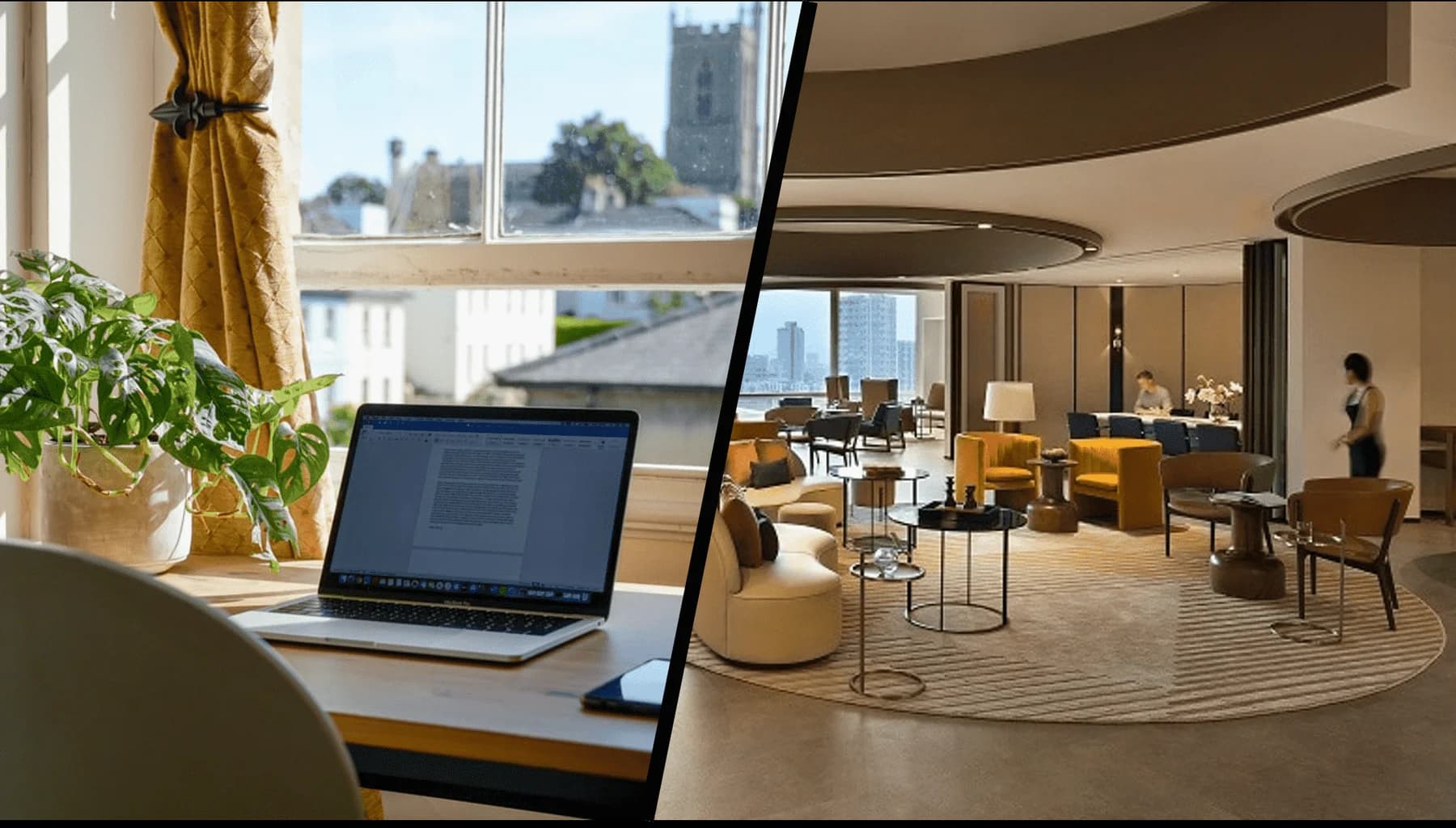
A hybrid office refers to one that allows employees to either work from the office, from home, or from anywhere. Essentially, it is a more flexible office model – and as the CoVID-19 pandemic has shown us, flexibility is essential to navigating the curveballs life tends to throw at us.
Of course, the pandemic is not the only reason hybrid office models have had a sharp increase in popularity. More and more organizations are realizing the value of flexible offices, as they can cut down on costs while still improving productivity. After all, when employees are given the freedom to work more flexibly, they are much happier and more productive. Check out these statistics on flexible and remote work to truly understand its positive impact.
For a hybrid office to function successfully, certain policies and guidelines need to be put into place. Not to worry, for we’ve compiled everything you need to know on this topic into a simple, concise guide. Soon, you’ll be able to develop the ideal hybrid office model that suits your organization perfectly!
#1. Establish your company’s flexible work policy

Even the best employees need guidelines on how to manage their working hours when they’re working flexibly. Your company’s flexible work policy should outline your organization’s expectations with regards to the degree of flexibility allowed. For example, are employees allowed to work from home every day or would you like them to come into the office for a couple days a week? How much in advance do they have to inform their supervisor if they wish to work from home? Do they need to log their hours anywhere?
Use our editable flexible work policy template as a starting point. Adapt it to your organisation’s needs and applicable requirements.
#2: Consider a flexible or shared workspace
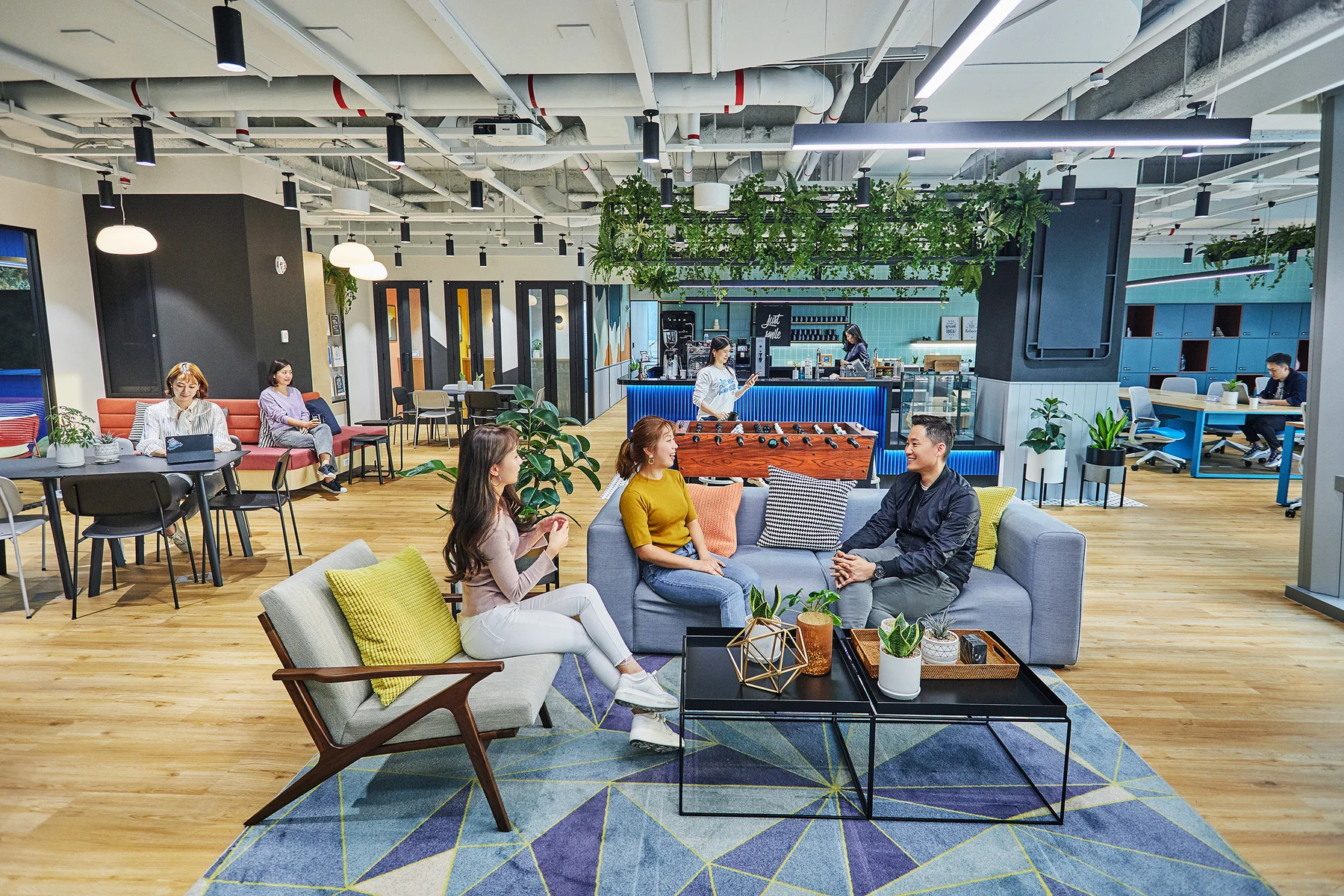
If your employees aren’t all going to be in the office every day, it may not be cost-effective to continue leasing a full office space. Coworking spaces are a unique solution to this problem, as you can simply pay for exactly what you need! Of course, determining what it is you need can be a little tricky, which is why we’ve developed an effective strategy to ensure your business’s needs are accounted for.
Compare the services actually included in each contract: furniture, internet, meeting rooms, cleaning and any additional charges. Computers, leisure facilities and unlimited access are not automatically included.
#3: Manage your office space with an app
Appropriate office space management is important in regular offices, but it is absolutely essential in a hybrid office model. The most important thing is ensuring that there is sufficient space and equipment for those who are coming into the workspace. Tracking and understanding how your employees use the office and related resources will also help you manage your team better.
FLYDESK supports workplace planning and booking your organisation’s own desks and meeting rooms. Explore the application.
#4: Keep your team feeling connected

The internet is a great tool for communication, so use it to keep your team feeling like a team despite the physical distance! It will also enable you to have a more hands-off, task-oriented rather than time-oriented management approach. Instead of constantly checking on your team to ensure they’re getting things done, they can update you via an app that pulls information from everyone together.
There are several apps out there to improve collaboration, track project timelines, communicate information and document business processes. Here are our top picks:
- For meetings, try Zoom or Google Meet
- To improve communication and collaboration, try Slack or MS Teams
- To keep track of projects, try Trello or Notion
- For workplace planning and booking internal resources: the FLYDESK App.
- To document business processes, try Google Workspace with Google Drive or MS OneDrive if you are setup with O365
#5: Ensure your employees have the equipment they need

While traditional offices are stocked with all the equipment staff need, this may not be the case in their homes. When implementing a hybrid office model, it’s important to allocate part of your budget to ensuring your employees have the equipment they require.
Typically, all employees will require a working laptop and a good quality headset for virtual meetings, as well as access to facilities such as a printer, a photocopier, a shredder, etc. Depending on their specific job scope, they may also require a second monitor, a tablet to draw on, etc. Of course, this is just the bare minimum! Check out our article on how to build the perfect home office for more ideas and recommendations for office equipment.
So, there you have it, a comprehensive guide on how you can develop the perfect hybrid office to enhance your business! If you’re interested in implementing a hybrid office model to increase your organization’s productivity and employee satisfaction, contact us at FLYDESK and we’ll help you out!