The original 2019 article included a forecast for 2022 and a selection of devices from that period. The forecast is not a current count of remote workers, and those models are not automatically today's best purchases. Mobility also remains subject to approved work locations and the requirements of the role.
Choose a supported computer for the task
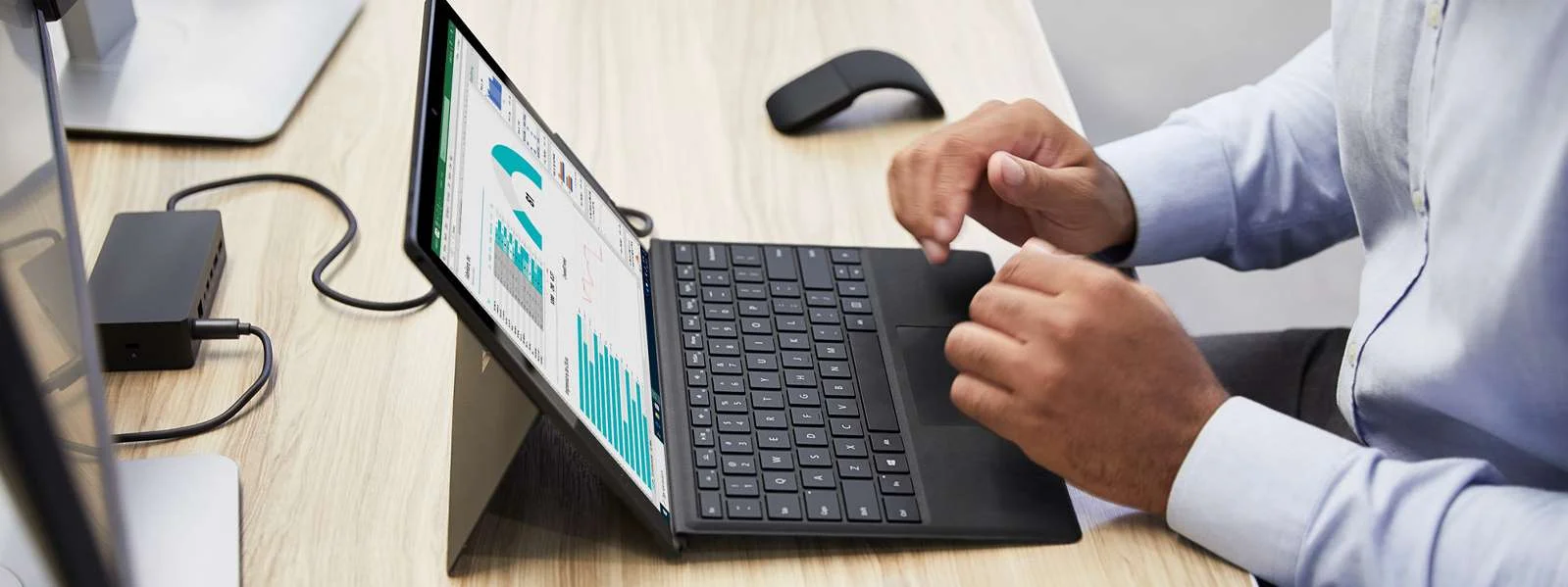
Surface Pro 7, the older iPad Pro sizes and MacBook Air were historical examples, not universal replacements for every work laptop. Confirm required applications, security updates, device management, keyboard and accessibility needs. Processor, memory and battery figures vary by generation, configuration and workload; do not turn an old quoted runtime into a promise.
Verify power and connections
Match charger output, cable capability and device input requirements. A USB-C connector alone does not establish charging power, video support or compatibility. Check the exact power-bank or router model rather than combining features from different versions. Mobile-network performance depends on coverage, service and conditions; a theoretical maximum is not guaranteed speed.
Test audio and a second screen
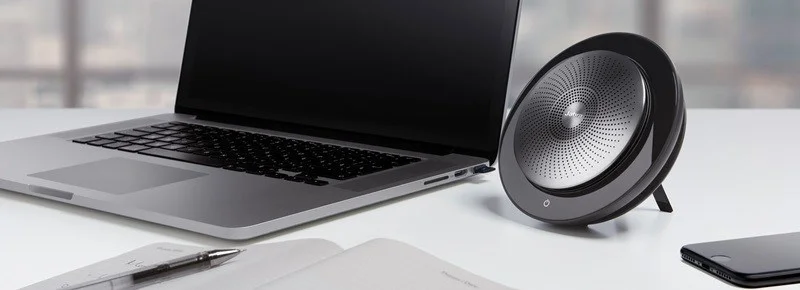
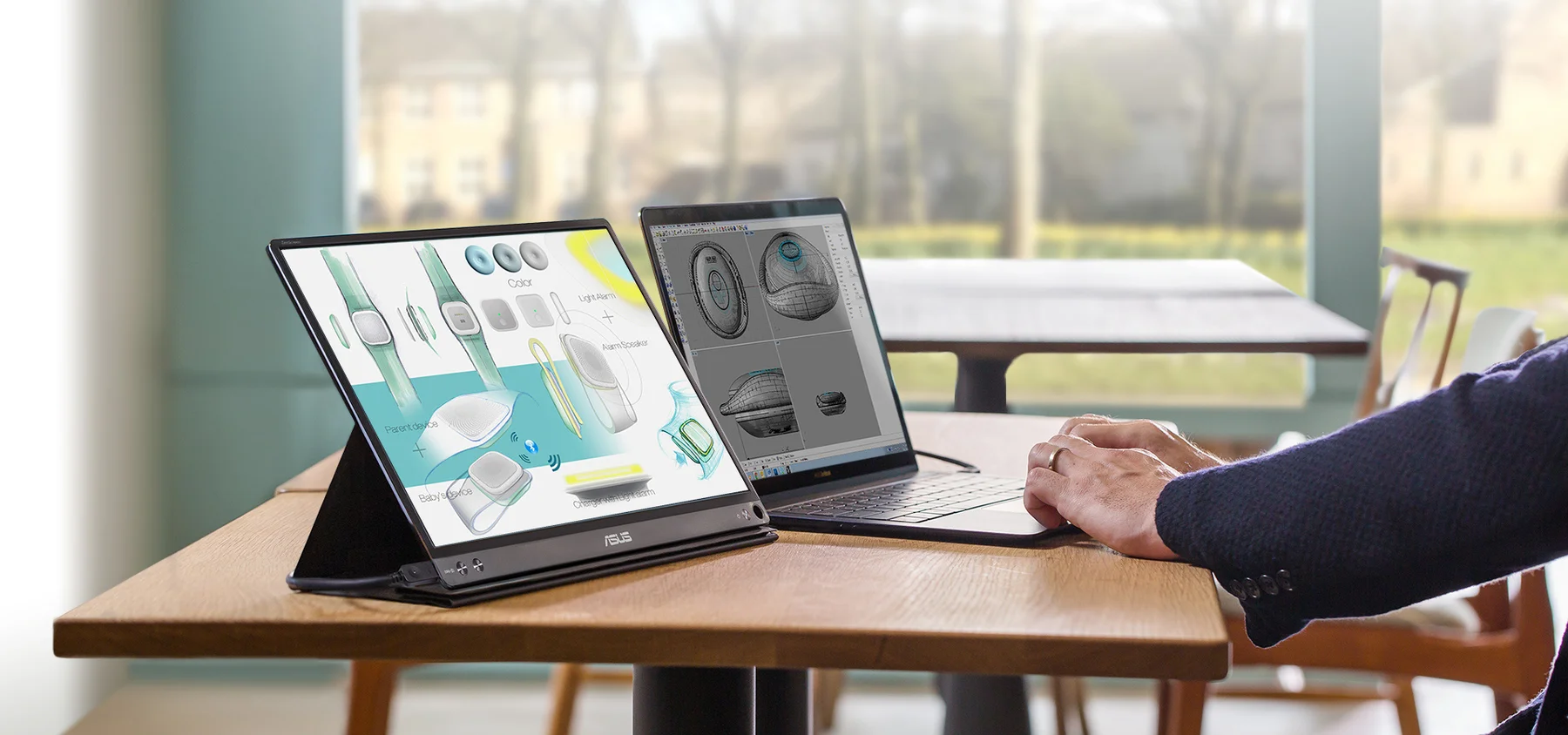
The original Jabra, Sony and ASUS examples address different needs. Test call quality, fit, ambient noise and connection support with the actual computer and app. A portable monitor is not compatible with every laptop simply because both have USB ports; check the required driver, display mode and supported operating system.
Distinguish printing from scanning
Brother PocketJet PJ-773 is a portable thermal printer, not a scanner. It needs suitable paper, power and a supported setup. Brother's compatibility chart distinguishes models: PJ-773 has USB and Wi-Fi support with AirPrint, while Bluetooth connections do not support AirPrint. Confirm current support for your operating system instead of assuming every PocketJet works the same way.
Protect data and carry only what helps
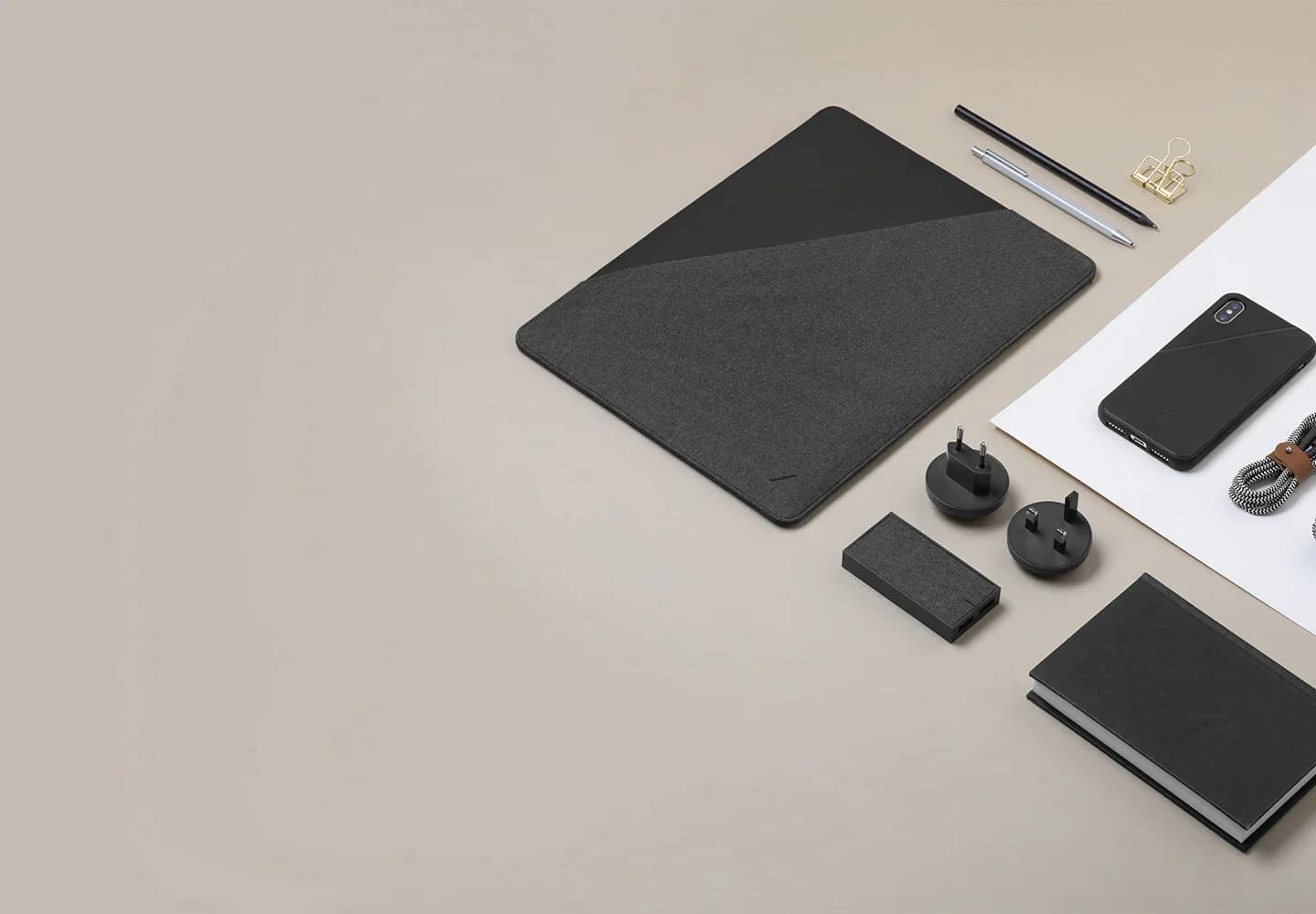
A rugged drive, sleeve or password does not by itself establish a complete security process. Use approved storage, backups and access controls, and plan for loss or failure. Check current availability, support and full accessory costs before purchasing. FLYDESK supports workplace planning and bookings; it does not supply a universal secure mobile office.
Sources checked on 2026-10-10: Brother — PocketJet7 compatibility chart · Brother — PJ773 portable printer · Brother — PocketJet user guide
Original photographs, captions and translated figures are historical material. They are not current battery, connectivity, security or availability guarantees.